Notepad++ is one of the loved one application by Windows users. Which provides a large number of options to work with it including the syntax highlighting. Notepad++ is written in C++ and uses pure Win32 API and STL. It keeps smaller program size and faster executing with lower CPU uses.
Most of the Linux users loved to use command line editors like vim and nano, which also have several benefits to use. But if you still want to use GUI based editor, Notepad++ can be a good choice for you
In this tutorial, you will learn about Notepad++ installation on Ubuntu system via snap package.
Notepad++ runs over the WINE platform, which provides compatibility for the Windows application on Unix-like operating systems.
We use snap package manager to install Notepad++, which also install all the required dependency for running it on Ubuntu system. To install Notepad++ on Ubuntu, type:
sudo snap install notepad-plus-plus
You will the output like:
notepad-plus-plus 7.8.6 from Taqu Raza (mmtrt) installed
After completing the above step, Notepad++ will be installed on your Ubuntu system. Now, launch Notepad++ from the applications. Search for you application and you will find a launch icon like:
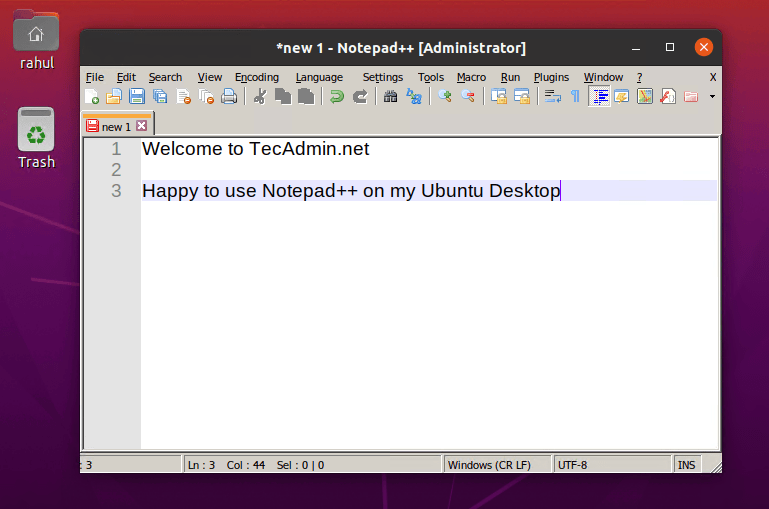
Now, Notepad++ is running on your Ubuntu system.
You can remove snap packages anytime, whenever you don’t required the application. To uninstall Notepad++ from your Ubuntu system, type:
sudo snap remove notepad-plus-plus
In this tutorial, you have learned about installation on Notepad++ on a Ubuntu system.
The post How to Install Notepad++ on Ubuntu 20.04 appeared first on TecAdmin.
Lo and behold 👐, Ubuntu MATE 26.10 (Stonking Stingray) is here! 🎊 We are back…
This article provides a guide demonstrating how to deploy Kiwix Server on Ubuntu VPS. What…
A few months ago, we introduced Myna, our project to bring private, local speech-to-text dictation…
Ubuntu 26.10 “Stonking Stingray” arrives at a time when AI tools are accelerating vulnerability discovery.…
One of the best things about Rust is how easy it is to get started.…