LibreOffice is a free and open-source complete office suite for Linux and Windows systems. The latest LibreOffice 7 is available to download and install on Linux system.
You can install LibreOffice either using the Debian package available under official PPA or use Snap package to install.
This tutorial will help you to install LibreOffice on Ubuntu 20.04 LTS Linux system.
Login to your Ubuntu system with sudo privileged account access.
The latest Libreoffice packages are available under the official PPA. Also, the Snap package is available for the libreoffice installation.
Choose one of the below methods to install Libreoffice on Ubuntu system:
The Libreoffice snap package is maintained by the canonical team. The Ubuntu 20.04 system comes with pre installed snap package manager.
Open a terminal on your system and execute:
sudo snap install libreoffice
LibreOffice 7.0 specific PPA is available with the latest debian packages.
First of all, you can add it to your system by launching terminal and run command:
sudo add-apt-repository ppa:libreoffice
Software Updater utility will update the packages cache on your system. So you have to run the following command to install or upgrade LibreOffice on your system:
sudo apt install libreoffice
That’s it. Libreoffice has been installed on your system.
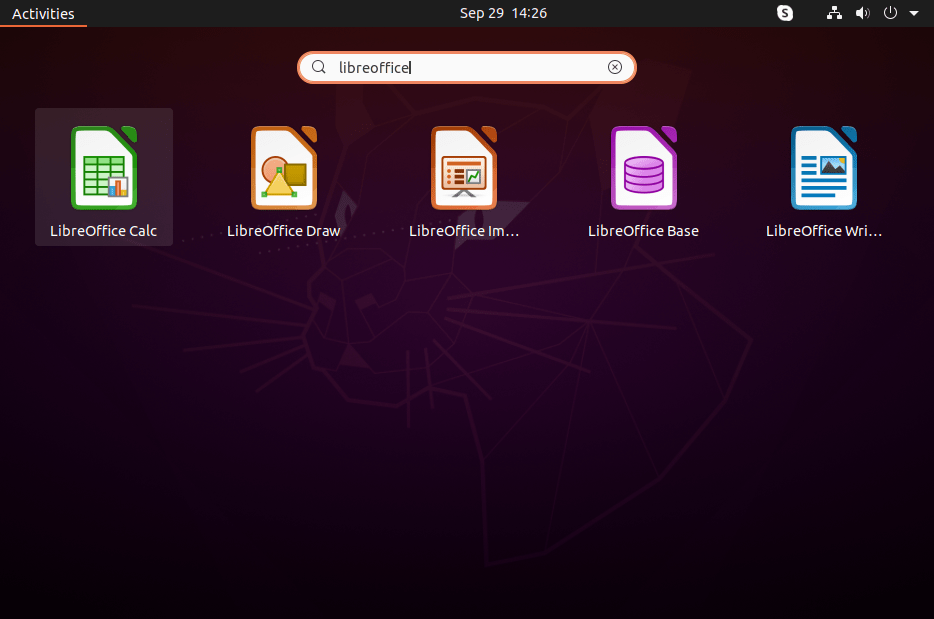
Search for the libreoffice application launcher under the activities. You will see the application launcher for all the office suite application launchers there.
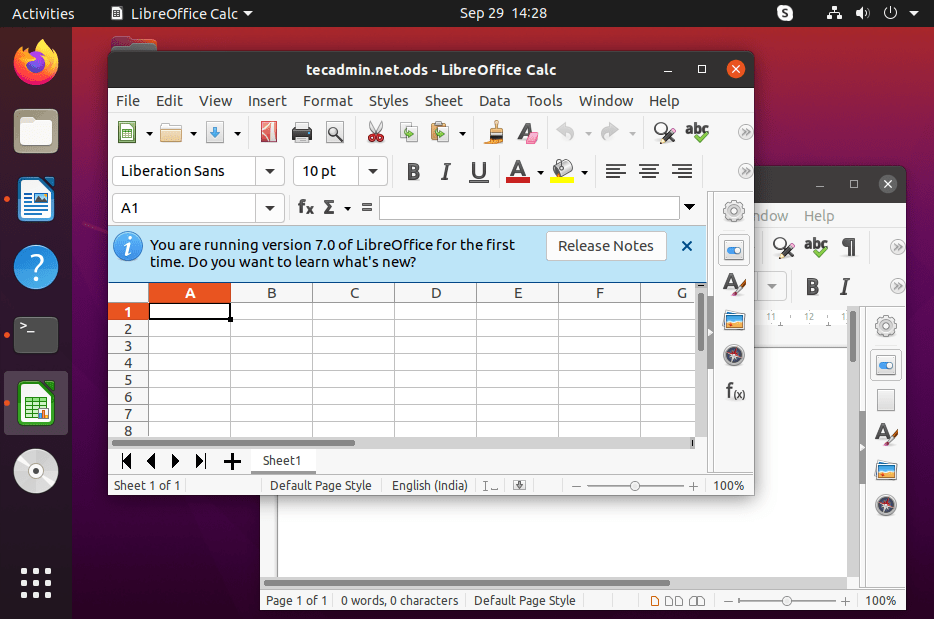
Click to launch office application on your choice.
In this tutorial, you have learned to install LibreOffice office application on Ubuntu 20.04 Linux system.
The post How to Install LibreOffice 7.0 on Ubuntu 20.04 appeared first on TecAdmin.
I'm happy to announce that Karafka 2.6 and Karafka Web UI 1.0 have just been…
This article provides a guide demonstrating how to deploy Apache JMeter on Ubuntu VPS. Introduction…
In this blog post, we will show you how to migrate from Ubuntu 24.04 to…
This article provides a comprehensive, step-by-step guide to deploy self-hosted AppFlowy on Ubuntu VPS (20.04…
Confidential computing is moving quickly. The foundation is already here: AMD SEV-SNP and Intel TDX…